The “Day Zero” problem for product teams is rarely a lack of ideas; it is the friction of execution. On the eve of a launch, you might have a singular, high-fidelity hero image for your landing page that looks spectacular. However, as that visual needs to be fragmented across Instagram stories, LinkedIn banners, programmatic display ads, and email headers, the aesthetic integrity begins to crumble.
This phenomenon is known as “style drift.” You start with a sleek, minimalist product shot with soft amber lighting and brushed aluminum textures. By the time you generate the 15th asset for a 9:16 mobile ad, the lighting has shifted to a clinical white, the aluminum looks like plastic, and the brand’s visual identity has become diluted. Scaling visual production with AI isn’t just about clicking “generate” more often; it is about anchoring the latent space of the model to prevent this drift.
To solve this, teams are moving away from generalist models toward specialized pipelines. Using Nano Banana Pro AI within a structured workflow allows teams to maintain a consistent “visual DNA” across dozens of disparate formats without the manual overhead of traditional retouching.
The Launch Consistency Crisis: Why Styles Drift at Scale
When a creative team moves from a 16:9 hero banner to a 1:1 social tile, standard AI prompting often fails to carry over the nuanced environmental data. Generalist models often prioritize the subject of the prompt while “hallucinating” the lighting and background details anew for every change in aspect ratio. If your prompt specifies a “sleek wireless earbud on a marble tabletop,” the model might interpret “marble” as a high-contrast black stone in one generation and a muted grey slab in the next.
The hidden cost here isn’t just aesthetic; it’s operational. If a designer has to spend thirty minutes in Photoshop correcting the color temperature of every AI-generated ad to match the landing page, the “efficiency” of AI is effectively neutralized. True scaling requires a model that understands material consistency and environmental lighting as constants, rather than variables.
We should be clear: no AI model, including Nano Banana Pro, is a “set it and forget it” solution for brand identity. There is an inherent uncertainty in how models interpret complex prompt weights when the aspect ratio shifts drastically. Expecting a perfect 1:1 match across 50 assets without human oversight is unrealistic. The goal is to reduce the delta between “raw output” and “brand-ready” from 40% down to 5%.
Technical Grounding: Nano Banana Pro AI vs. Generic Models
What distinguishes Nano Banana Pro AI from the broader field of text-to-image tools is its handling of composition stability and textural fidelity. In a production environment, you are often dealing with “K-level” detail requirements. This refers to the resolution threshold where textures—such as the weave of a fabric or the brushed grain of a metal—remain sharp even when upscaled for large-format displays.
The architecture of Nano Banana Pro is designed to preserve these specific material characteristics. While generic models might “smooth out” textures to reduce noise, this model maintains the high-frequency details necessary for professional product photography. This is critical when you are running a batch of ads where the product needs to look identical in every shot, regardless of the surrounding composition.
From an operator’s perspective, this means less time fighting the model to keep a product from looking “uncanny.” When you are iterating on a Nano Banana Pro generation, the model tends to respect the established lighting logic of the scene more consistently than models trained primarily on diverse, uncurated internet scrapes.
Architecting the Master Prompt for Cross-Channel Visuals
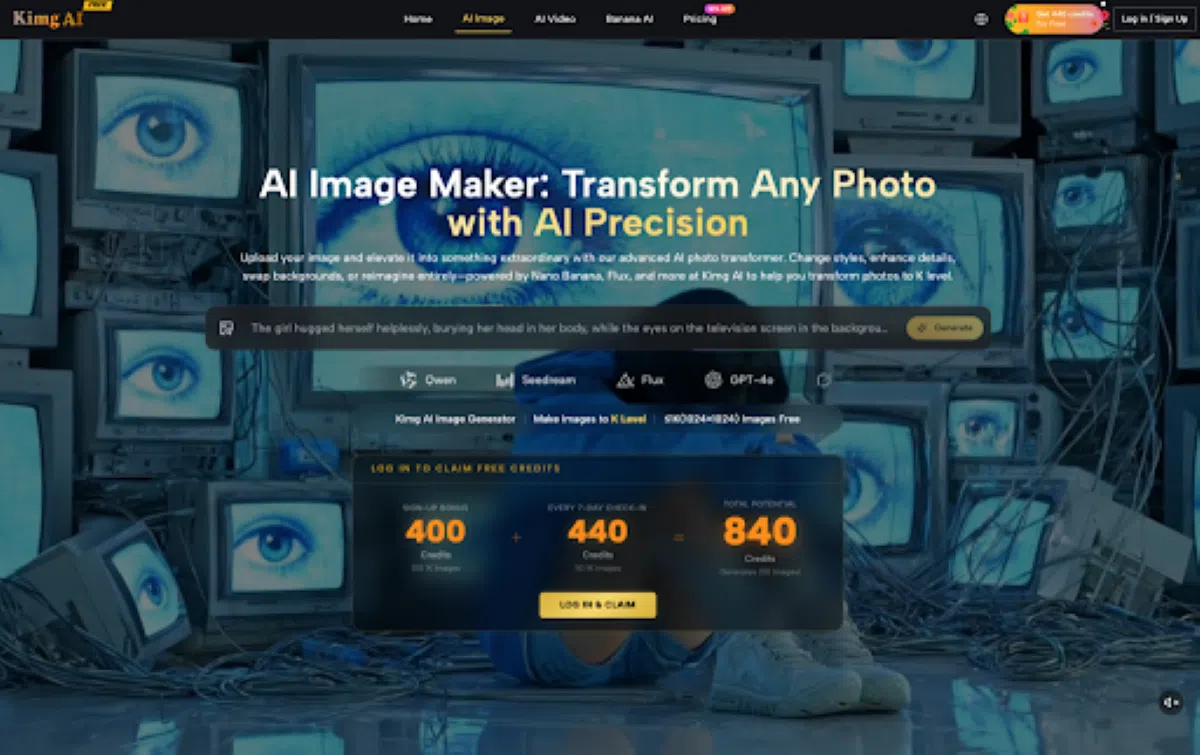
To maintain consistency within the Kimg AI environment, the workflow must begin with a “Core Prompt” architecture. Instead of writing a new prompt for every asset, you build a foundation that defines the atmospheric constants.
The Core Prompt Strategy
A Core Prompt should focus on the “environmental DNA”: the lighting type (e.g., “4pm golden hour, soft diffusion”), the color palette (e.g., “monochromatic charcoal and slate”), and the lens characteristics (e.g., “85mm prime, f/1.8 depth of field”). By keeping this core constant and only swapping the “subject” or “aspect ratio” tags, you anchor the model’s creative variance.
Toggling Ratios without Subject Distortion
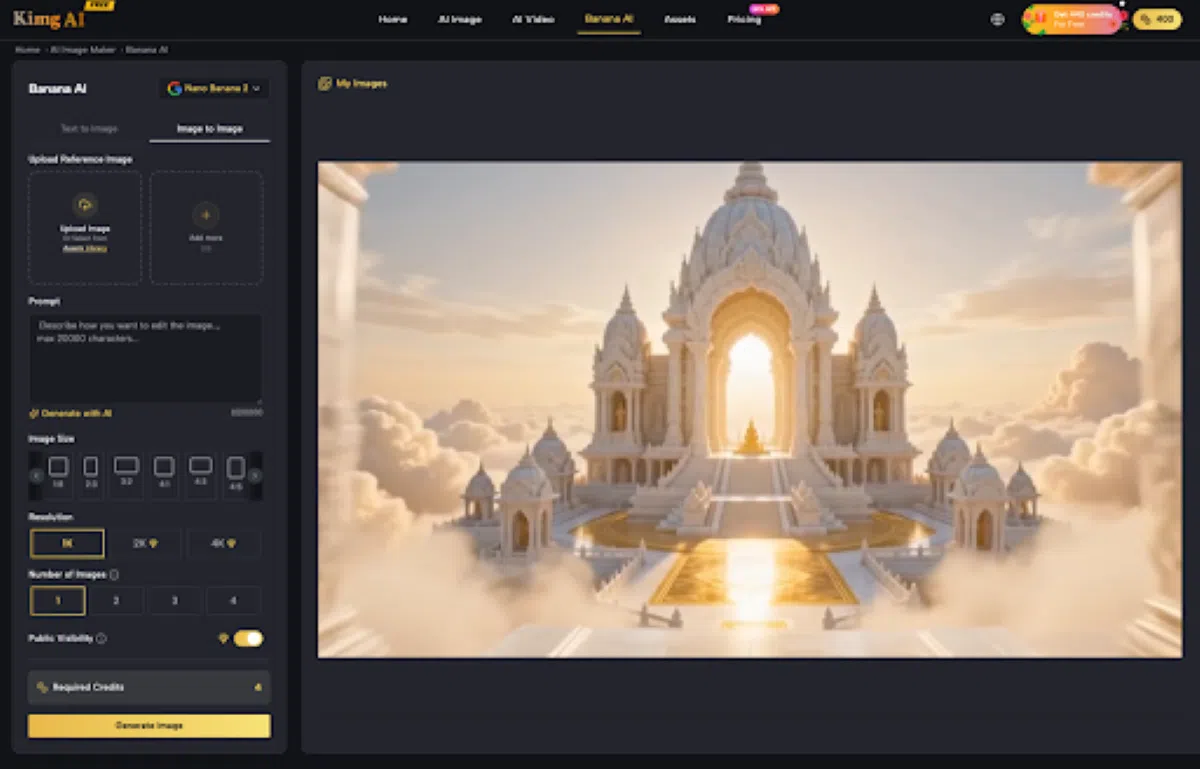
One of the primary points of failure in AI asset scaling is “subject stretching.” When shifting from a wide 21:9 banner to a vertical 9:16 phone screen, many models will distort the central product to fill the space. Within the Kimg interface, utilizing the specific aspect ratio presets for Nano Banana Pro allows for a more intelligent recomposition. The model doesn’t just stretch the pixels; it recalculates the scene to fit the new frame while keeping the subject’s proportions locked.
Image-to-Image Anchoring
For teams that have already achieved one “perfect” hero shot, the image-to-image (Img2Img) workflow is the most effective way to prevent drift. By using the initial hero shot as a structural reference at a low “denoising strength,” you can force subsequent generations to inherit the color grading and light placement of the original, even when the scene content changes.
The Batch Pipeline: From Hero Shot to High-Res Display Ad
Once the aesthetic is locked, the transition from creative exploration to production batching begins. This is where features like upscaling and outpainting become the workhorses of the pipeline.
- The Upscaling Threshold
Most AI models generate at a base resolution that is sufficient for mobile social feeds but insufficient for a 4K desktop landing page. The upscaler integrated with Nano Banana Pro allows you to take a social-first asset and “inject” the necessary detail for high-fidelity use. This isn’t just a simple pixel interpolation; it’s a generative pass that clarifies edges and refines textures that might have been lost in the initial low-res generation.
- Leveraging Outpainting for Background Extensions
A common challenge in multi-channel launches is the “Safe Zone” problem. You might have a great square image, but your display ad network requires a leaderboard banner that is 728 pixels wide. Instead of cropping your image and losing the product, outpainting allows you to extend the background of your Nano Banana Pro asset into the horizontal space. This maintains the central focus while “hallucinating” a consistent environment to fill the margins.
- Credit Efficiency and Batch Structure
In a commercial workflow, efficiency isn’t just about time—it’s about resource management. Structuring a batch run on Kimg AI involves generating low-res “proofs” first. Only once the composition and style are verified across a small batch of 4-5 variations do you commit credits to high-res upscaling or complex inpainting. This tiered approach prevents wasting “render time” on assets that don’t meet the brand’s stylistic bar.
The Last Mile: Where Automation Hits the Wall
It is important to acknowledge that AI is not a total replacement for a design department. There are specific areas where even the most advanced models currently struggle, and recognizing these limitations is key to a successful launch.
Hex Code Precision
AI models operate in a latent space of concepts, not precise mathematical values. If your brand guide requires an exact Pantone or Hex code (e.g., #0047AB), the AI will get you close, but it will rarely be pixel-perfect. There is a degree of uncertainty here; the model might produce a “cobalt blue” that looks correct to the eye but fails a color-picker test. Post-processing in a tool like Photoshop is still a required “last mile” step for strict brand compliance.
The Typography Hurdle
While Kimg AI has made significant strides in text rendering, complex typography—especially custom brand fonts or intricate layout hierarchies—remains a challenge for generative models. For launch assets that require heavy messaging, the most efficient workflow is to use the AI to generate the “background and atmosphere” and then overlay the typography using traditional vector-based design software.
Regulatory and Ethical Oversight
Finally, there is the lingering uncertainty regarding the regulatory landscape of AI-generated commercial assets. While using Nano Banana Pro AI provides a massive speed advantage, teams must maintain a human-in-the-loop system for final approval. This ensures that generated assets don’t inadvertently mirror existing copyrighted works too closely and that the final output aligns with the ethical standards of the organization.
The shift from manual asset creation to an AI-augmented pipeline is a transition from being a “maker” to being a “director.” By using a consistent model like Nano Banana Pro and a structured workflow, product teams can finally solve the style drift problem and launch multi-channel campaigns that feel like a single, cohesive story.