Running a social media ad campaign without the right background music is like putting up a billboard with no lighting — the message is there, but it lands flat. Musick AI, a free AI Music Generator built for creators and brands, changes that equation completely. Instead of spending hours hunting through stock libraries or waiting on a composer, the platform turns a plain-text description into a finished track in seconds.
I. Why Background Music Makes or Breaks Your Ad
The Attention Window Is Short
On Instagram Reels, TikTok, or YouTube Shorts, most viewers decide whether to keep watching within the first two seconds. The visual grabs attention, but audio keeps it. Music sets emotional tone before a single word of copy registers.
Generic Stock Tracks Hurt Brand Recall
Audiences have heard the same royalty-free “corporate motivational” loop thousands of times. That familiarity doesn’t create connection — it creates noise. A track that actually fits the mood of an ad reinforces the message instead of distracting from it.
II. What Musick AI Actually Does
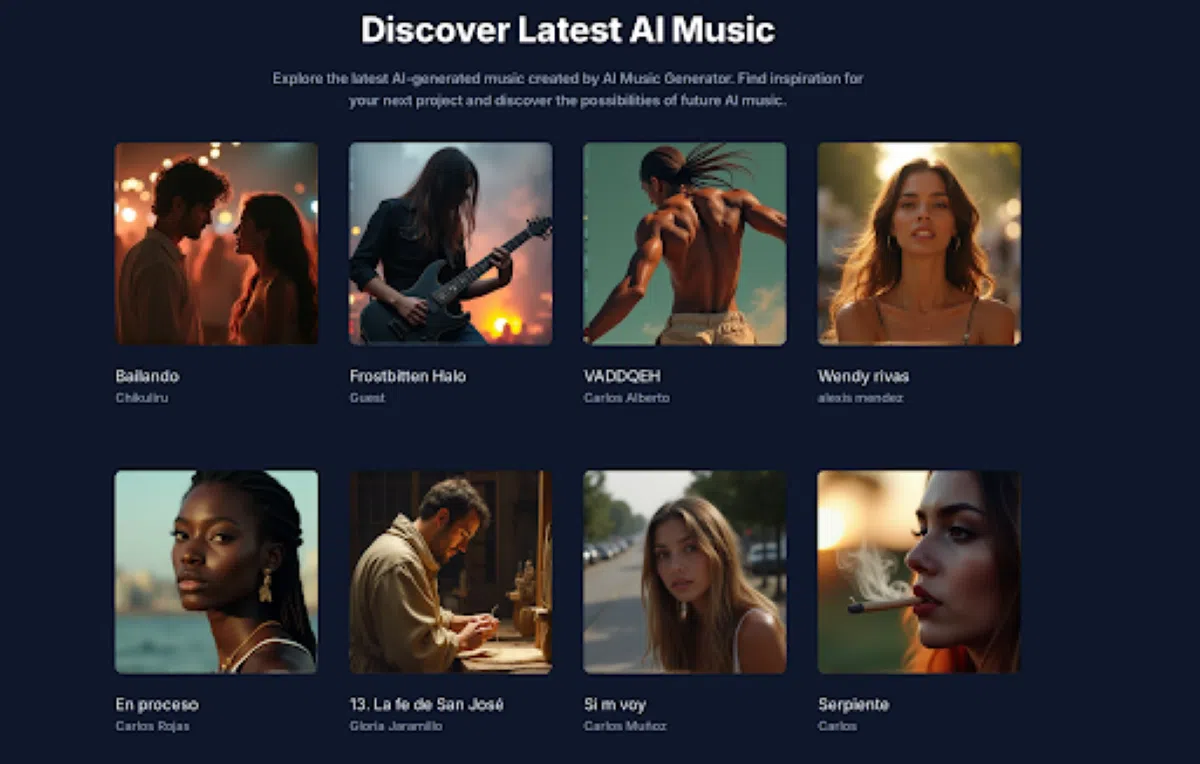
Musick AI is an online music generation tool that creates original, royalty-free tracks across a wide range of genres — EDM, R&B, Jazz, Pop, Rap, Metal, Rock and Roll, Hip-hop, Blues, Reggae, Kpop, Classical, Disco, Country, and Saxophone are all available directly from the Music Plaza.
Beyond simple genre selection, the platform includes three specialist tools:
- AI Song Lyrics Generator — input a music genre and the tool generates matching lyrics and music notes
- AI Beat Producer — for writing melody notes and building custom beat patterns
- AI Rap Generator — for designing music sheets and playlists with genre selection
Every track generated carries a commercial license, meaning it can be used across YouTube, Instagram, Facebook, LinkedIn, and Twitter without copyright concerns.
III. The Brief-to-BGM Workflow
Step 1: Write the Prompt
The process starts with a plain-text description. Something like “upbeat, energetic pop track with bright synths and positive mood, suitable for a summer product launch” gives the system enough direction to build around. The more specific the brief — genre, mood, instruments, tempo feel — the closer the output lands to what the ad actually needs.
Step 2: Choose Vocal or Instrumental
Musick AI lets users toggle between vocal tracks and purely instrumental versions. For ads where voiceover or dialogue runs over the music, instrumental is the cleaner choice. For short-form content built around sound, a vocal track can carry the whole piece. Users can also select the vocalist’s gender when generating a vocal track.
Step 3: Generate and Iterate
Once the prompt is submitted, Musick AI generates a track that can be previewed before downloading. Users are encouraged to generate multiple versions by adjusting the prompt, iterating until the output matches the creative brief.
Step 4: Download and Deploy
Once a track is selected, it downloads immediately for use in any editing software. No additional licensing steps, no attribution requirements for commercial use.
IV. Matching Music to Ad Format
Different ad formats call for different sonic approaches. Here’s a quick reference:
| Ad Format | Recommended Approach |
| TikTok / Reels (15–30 sec) | High-energy opener, fast genre tags like EDM or Pop |
| YouTube pre-roll (skippable) | Hook in the first 3 seconds, build tension with Hip-hop or R&B |
| Facebook video ad | Warmer, mid-tempo genres like Jazz, Blues, or Acoustic Pop |
| Product launch teaser | Cinematic build — try Classical or Saxophone |
| Brand awareness storytelling | Emotional vocal track, Pop or Kpop-style prompts |
The AI Music output can be previewed before downloading, so it’s practical to generate two or three variations for the same brief and A/B test them against each other.
V. Getting Better Results From Your Prompts
Most people who feel underwhelmed by AI-generated music are using prompts that are too vague. Three habits that consistently improve output quality:
- Combine genre + mood + energy level. “EDM” alone is broad. “High-energy EDM with driving bassline and euphoric build” gives the model a much clearer target.
- Reference a use case. Adding context like “for a fitness brand ad” or “background for a skincare product launch” shifts the emotional register of the result.
- Mention what to avoid. If the track shouldn’t have vocals, or shouldn’t feel too aggressive, include that in the prompt. Negative constraints work just as well as positive ones.
Musick AI functions as an AI Song Maker in this sense — it responds to creative direction the same way a session musician would, adjusting tone, tempo feel, and texture based on what’s described.
VI. Copyright and Commercial Use
One of the more practical advantages for ad teams is the royalty-free, commercial-use licensing built into every track. There’s no need to file separate paperwork or track down rights clearances. The music is created fresh for each generation, so there’s no risk of a track appearing in a competitor’s ad — something that happens regularly with shared stock libraries.
Musick AI explicitly covers use on YouTube, Instagram, Facebook, LinkedIn, and Twitter. For teams running multi-channel campaigns, that breadth matters.
VII. Who This Workflow Works For
The brief-to-BGM approach fits a specific type of creator or marketer: someone who moves fast, iterates often, and can’t afford to block production waiting for audio. That includes:
- Social media managers running weekly or daily ad creative
- Video editors working across multiple brand accounts
- Performance marketers who want to test different emotional tones in A/B ad sets
- Small brand teams without a dedicated sound designer
The AI Music Maker model Musick AI operates on removes the need for any musical background. A solid creative brief is enough to produce something that genuinely fits the content.
The gap between having a finished video and having a finished ad is often just the music. With the right prompt and a clear sense of the mood being targeted, that gap closes in under a minute.