In the current agency landscape, generating a single high-fidelity image is no longer the benchmark for success. Most mid-level designers can now coax a stunning “hero” shot out of a base model with twenty minutes of prompting. The real crisis emerges when that single asset needs to scale into a multi-channel campaign. Transforming one successful generation into 50 variants—spanning 9:16 social ads, 16:9 landing page headers, and square programmatic display banners—is where the technical debt of generative AI usually comes due.
Without a rigorous production pipeline, teams quickly fall into the “style drift” trap. A character’s facial structure shifts slightly between the Instagram story and the Facebook feed; the color temperature of the lighting fluctuates between the hero shot and the thumbnail; the textural consistency of a product degrades as aspect ratios change. This lack of cohesion isn’t just an aesthetic annoyance; it erodes brand trust. To scale effectively, agencies must move away from the “lottery” of iterative prompting and toward a modular “Master-to-Variant” workflow.
The Brand Dilution Trap in High-Volume AI Production
The common mistake in high-volume production is the assumption that a successful prompt can be replicated across different settings to yield the same visual DNA. In practice, changing an aspect ratio or slightly modifying a background description often triggers a cascade of unintended changes in the primary subject. This is largely due to how latent diffusion models interpret space and composition; a change in the frame’s dimensions forces the model to reallocate “attention,” often resulting in a subject that looks like a cousin of the original rather than the same person or product.
“Prompting harder” is rarely the solution. When a production team attempts to fix inconsistencies by adding more descriptive tokens to a prompt, they often introduce “prompt bleeding,” where colors or themes from the background start to stain the foreground objects. The hidden cost here is the manual touch-up time. If a senior retoucher has to spend two hours fixing the hands or the lighting on every single generated variant, the “efficiency” of AI is effectively neutralized. Professional delivery requires a pipeline that prioritizes structural reliability over the novelty of a random, high-quality output.
Establishing the Master Reference: The Generation Phase
A production-grade workflow begins with the “Master Asset.” This isn’t just the best-looking image; it’s the image that establishes the lighting, texture, and color palette for the entire campaign. When selecting base models for this phase, agencies are increasingly leaning toward models like Flux or Nano Banana. These aren’t necessarily chosen for their artistic flair, but for their structural consistency and their ability to follow complex spatial instructions.
The Master Asset serves as the “source of truth.” Once the client approves this visual, it becomes the anchor for all subsequent work. Instead of generating new images from scratch for every ad format, the team uses Image-to-Image (Img2Img) workflows. By feeding the Master Asset back into the system with a lower “denoising” strength, the AI preserves the core silhouettes and color values while adapting the composition to new dimensions. This keeps the visual DNA intact across the board, ensuring that a “cinematic” look on a landing page doesn’t turn into a “flat” look on a mobile banner.
Surgical Refinement with an AI Image Editor
Generation is only 70% of the journey. The final 30%—the “last mile”—requires a different set of tools. Raw AI outputs, regardless of the model, frequently contain visual artifacts that are unacceptable for high-spend client accounts. This is where an AI Image Editor becomes the primary engine of the production pipeline.
Surgical refinement is about isolation. If a generated model has the perfect expression but the background is cluttered with nonsensical geometry, the production team shouldn’t re-roll the entire image. Instead, they use non-destructive object removal or background replacement. This allows the team to swap a generic indoor setting for a localized market context—changing a London street for a Tokyo skyline, for instance—without altering the lighting on the subject.
This stage also involves specialized tasks like face-swapping and upscaling. When scaling for large-scale OOH (Out-of-Home) displays, a standard generation won’t hold up. The pipeline must include a localized upscale that adds detail to skin textures and fabrics without “hallucinating” new features. By moving beyond global filters and focusing on localized AI adjustments, agencies prevent the “uncanny” look that often plagues unrefined AI assets.
The Batch Workflow: From Landing Page Hero to Social Cutdowns
To move from one asset to fifty, the workflow must be systematic. We typically categorize these tasks into “primary extensions” and “cleanup.” For instance, taking a 1:1 square asset and turning it into a 21:9 hero image for a website requires generative expansion. This is where an AI Photo Editor shines, allowing teams to “outpaint” the edges of an image while maintaining the brushstrokes and lighting of the original.
The batch process usually follows this hierarchy:
- The Expand: Using generative fill to fit wide or tall aspect ratios.
- The Clean: Automated removal of visual artifacts (extra limbs, floating pixels) that only become visible at high resolutions.
- The Swap: Adjusting localized elements (clothing color, background weather) to suit specific audience segments.
- The Upscale: Finalizing the resolution for the specific delivery platform, from 72dpi for web to 300dpi for print.
A major decision point in this workflow is whether to “upscale-then-crop” or “generate-to-size.” Upscaling a central image and then cropping it for different formats ensures the highest level of detail consistency, but it can be computationally expensive and may limit creative framing. Generating to size offers better composition but risks style drift. In my experience, a hybrid approach—generating a slightly larger “canvas” than needed and then using AI tools to refine the edges—provides the best balance between fidelity and flexibility.
Limits of the Pipeline: Where AI Still Requires Human Intervention
Despite the advancements in toolsets, there are significant limitations that any responsible agency must acknowledge. Expectation management is a critical part of the production cycle.
First, typography and brand logos remain a persistent challenge. While some models are getting better at rendering text, they still struggle with specific brand fonts and the exact geometry of corporate logos. Any asset that requires integrated text must still pass through a traditional design layer where vectors are manually placed. Relying on AI to “guess” a logo’s curves usually results in a brand violation.
Second, physics-defying artifacts are common in complex scenes, particularly group shots. An AI Photo Editor can fix a stray finger or a warped shadow, but it cannot always resolve deep structural failures where two people’s limbs overlap in impossible ways. In these cases, the “cost to fix” often exceeds the “cost to regenerate.”
Finally, there is a lingering uncertainty regarding the legal and copyright landscape. Jurisdictions are still debating the “human authorship” requirements for copyright protection. Agencies must be transparent with clients that while the workflow is AI-driven, a human “technical director” is providing the creative intent and final QC necessary to navigate these evolving legal waters.
Future-Proofing the Creative Stack
The shift from creative experimentation to production-grade engineering is happening rapidly. The agencies that survive this transition won’t necessarily be the ones with the best “prompters,” but the ones with the most integrated pipelines. Tool-switching friction is a major bottleneck; moving an asset between three different platforms just to change a background and upscale the resolution is a recipe for version-control chaos.
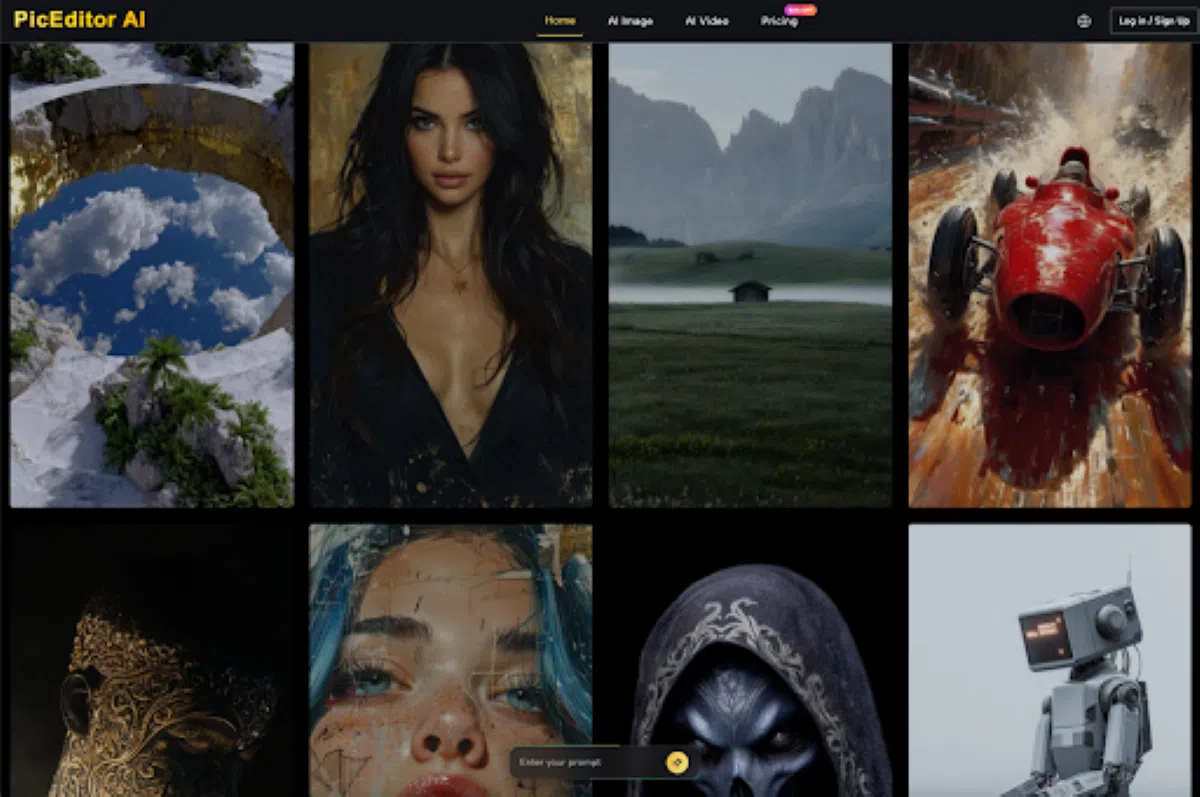
Integrated platforms like PicEditor AI address this by combining generation (using industry-standard models like Flux and Nano Banana) with surgical editing tools in a single interface. This reduces the latency in the approval loop and allows a single operator to act as a “Technical Director,” overseeing the entire lifecycle of an asset from a text string to a print-ready file.
Before delivering a batch to a client, the final audit checklist should always include:
- Luminance matching: Do all assets in the batch share the same black points and highlight levels?
- Textural parity: Does the “grain” or “sharpness” of the social ad match the landing page hero?
- Subject persistence: If a person appears in multiple assets, are the facial proportions and eye color identical?
As we move toward a modular creative team structure, the role of the traditional designer is evolving. We are seeing the rise of the operator who treats AI as a sophisticated rendering engine rather than a magic wand. Consistency is a choice, not a byproduct of the software—and it requires a disciplined, edit-first mindset to achieve at scale.